Nine concrete problems
in 3D handoff to Apple platforms.
Most pipeline issues aren't subtle. They're the same nine things, every time. This is the companion to the launch video series — one section per feature, deep-linkable so a thread, DM, or pitch can land on the exact one being discussed.
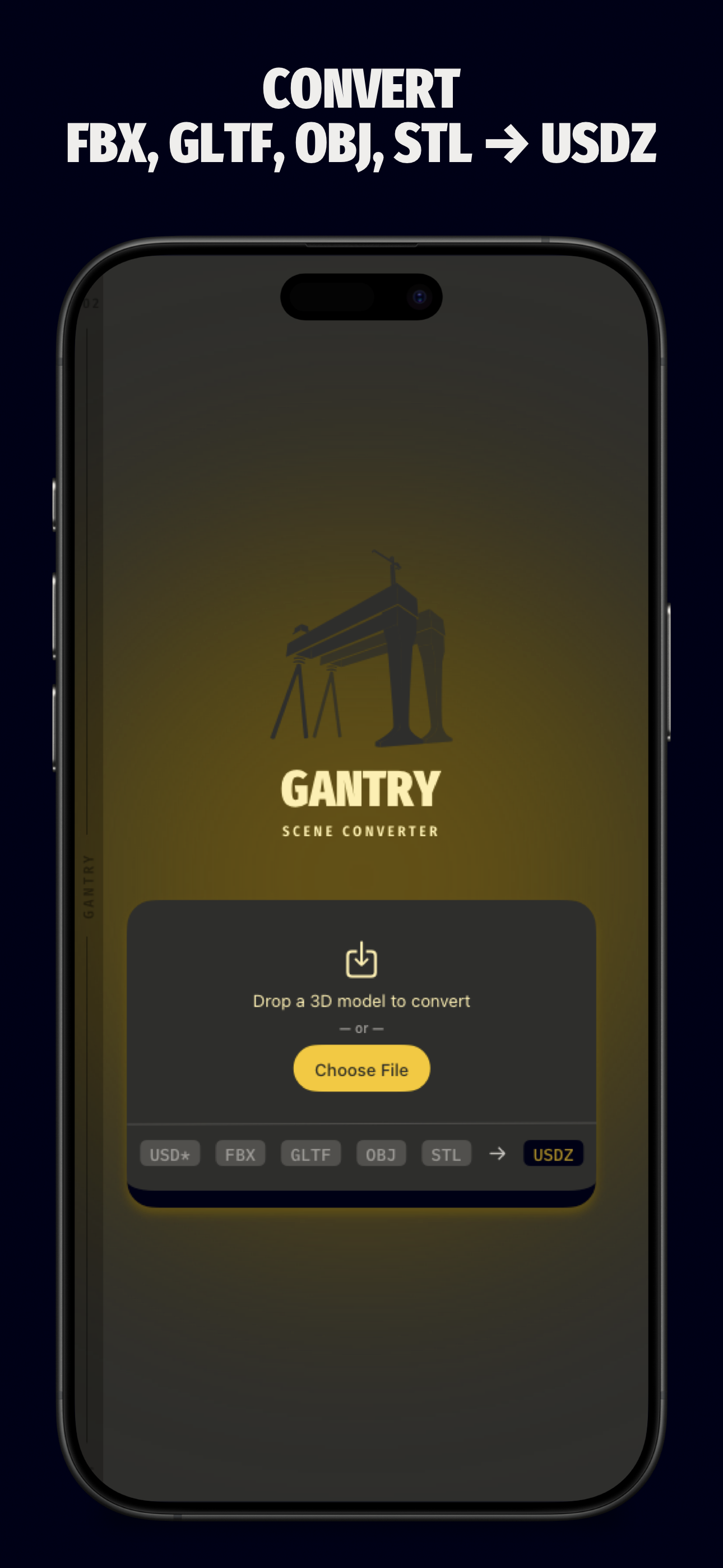
Convert FBX, glTF, OBJ, STL, PLY → USD
Industry-standard 3D files do not always land cleanly in an Apple-platform OpenUSD pipeline. Your DCC tool exports one shape; your destination needs another.
Drop the file in. Gantry produces clean USD, USDA, USDC, or USDZ with materials, textures, and hierarchy intact.
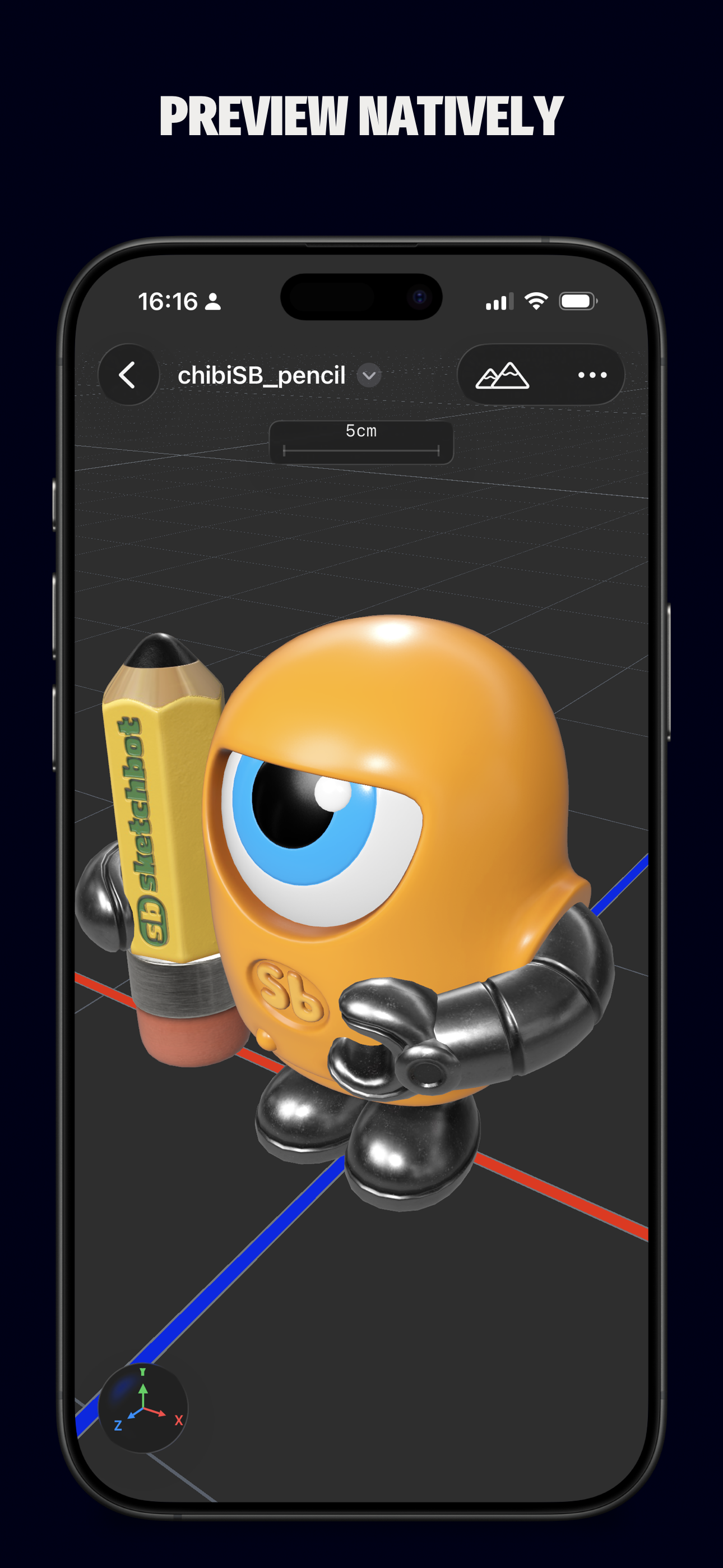
Preview natively
Most converters preview in a generic engine. What you see isn't what will render on device.
Gantry's viewport is RealityKit — the same renderer Apple platforms use at runtime. The preview is the result.
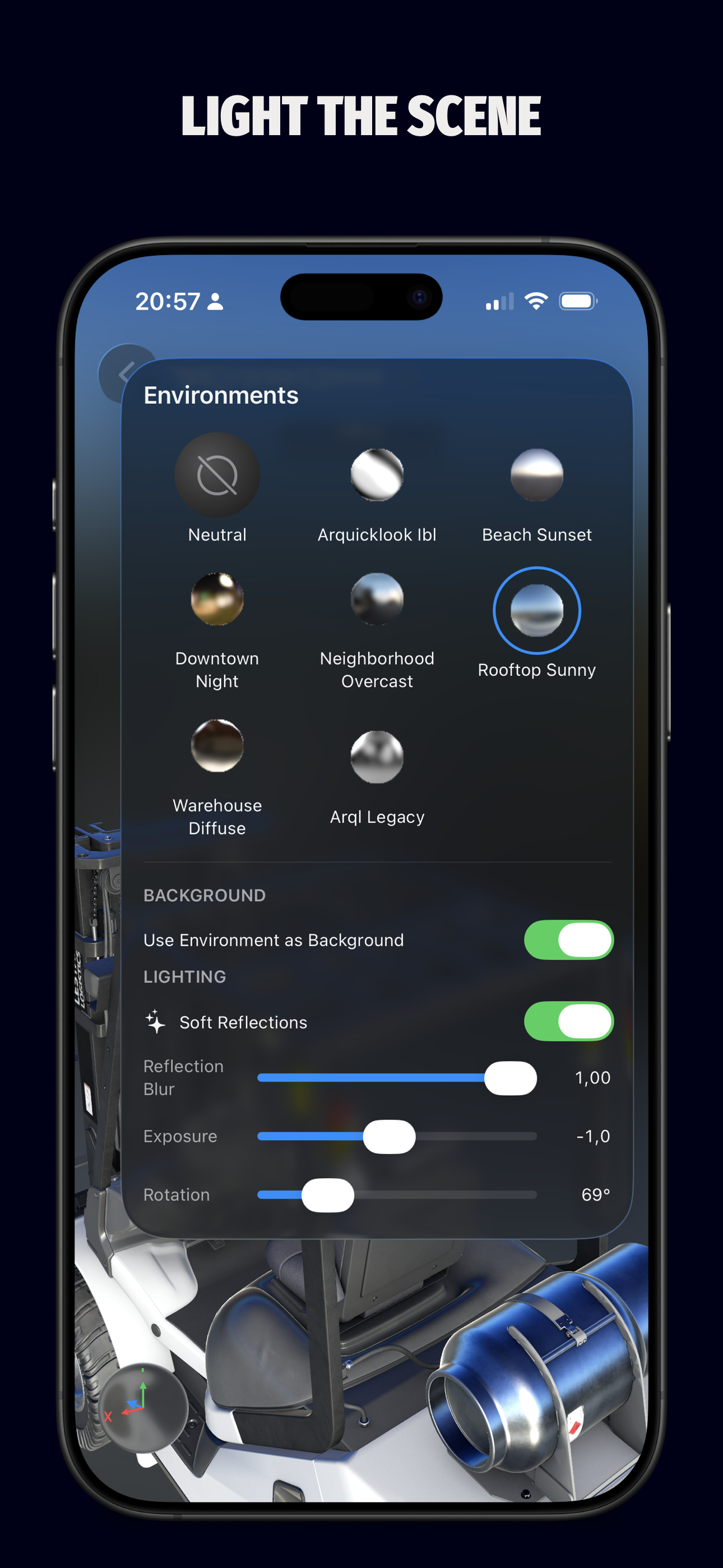
Light the scene
PBR materials look different under different lighting. You need to evaluate them under real conditions before shipping.
Pick from a curated set of IBL environments — Beach Sunset, Downtown Night, Rooftop Sunny, more. Adjust exposure and rotation. Toggle the environment as scene background.
Edit materials
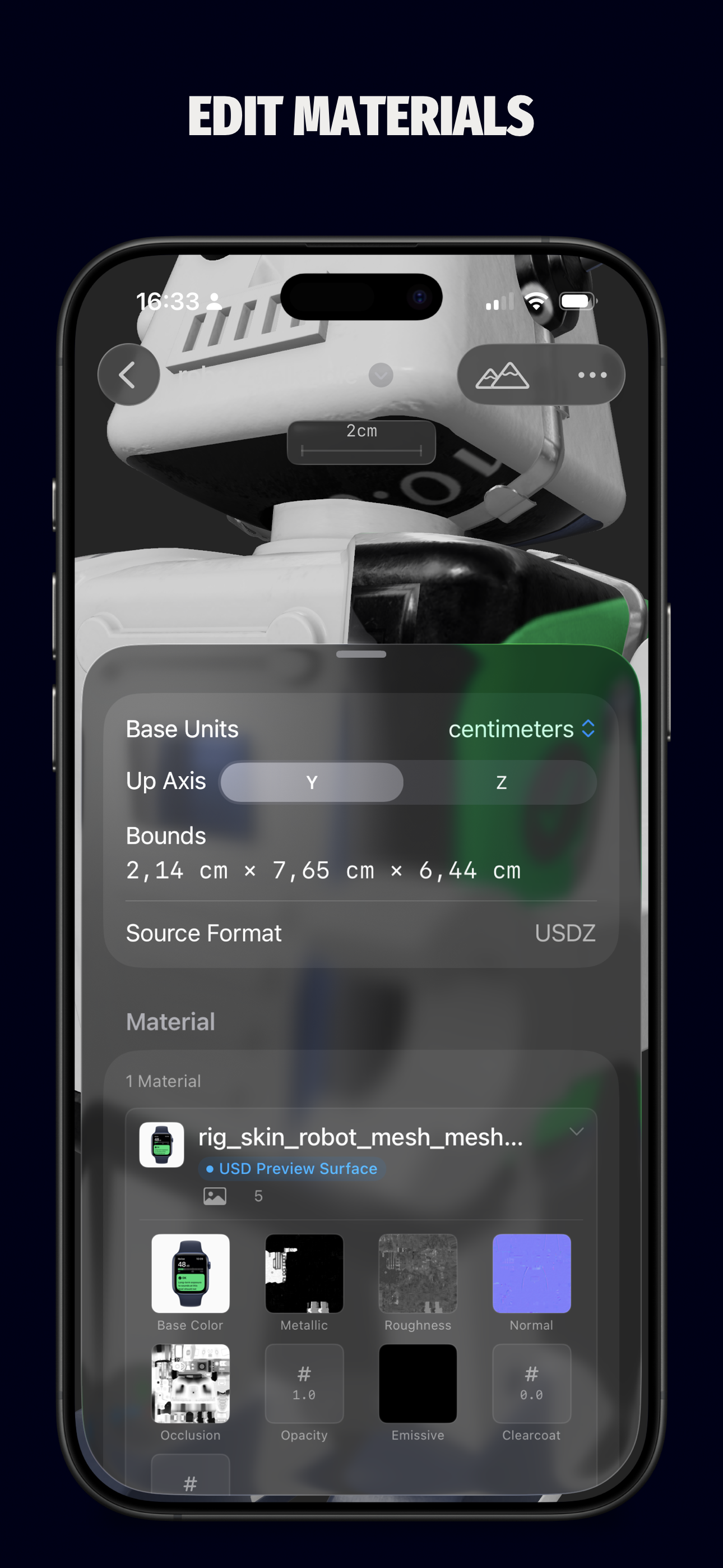
Imported materials rarely match the source. You need to adjust without round-tripping back to a DCC tool.
Tweak per channel — Base Color, Metallic, Roughness, Emissive, Opacity. Convert to USD Preview Surface or MaterialX. Replace individual textures. Live preview.
Switch variants
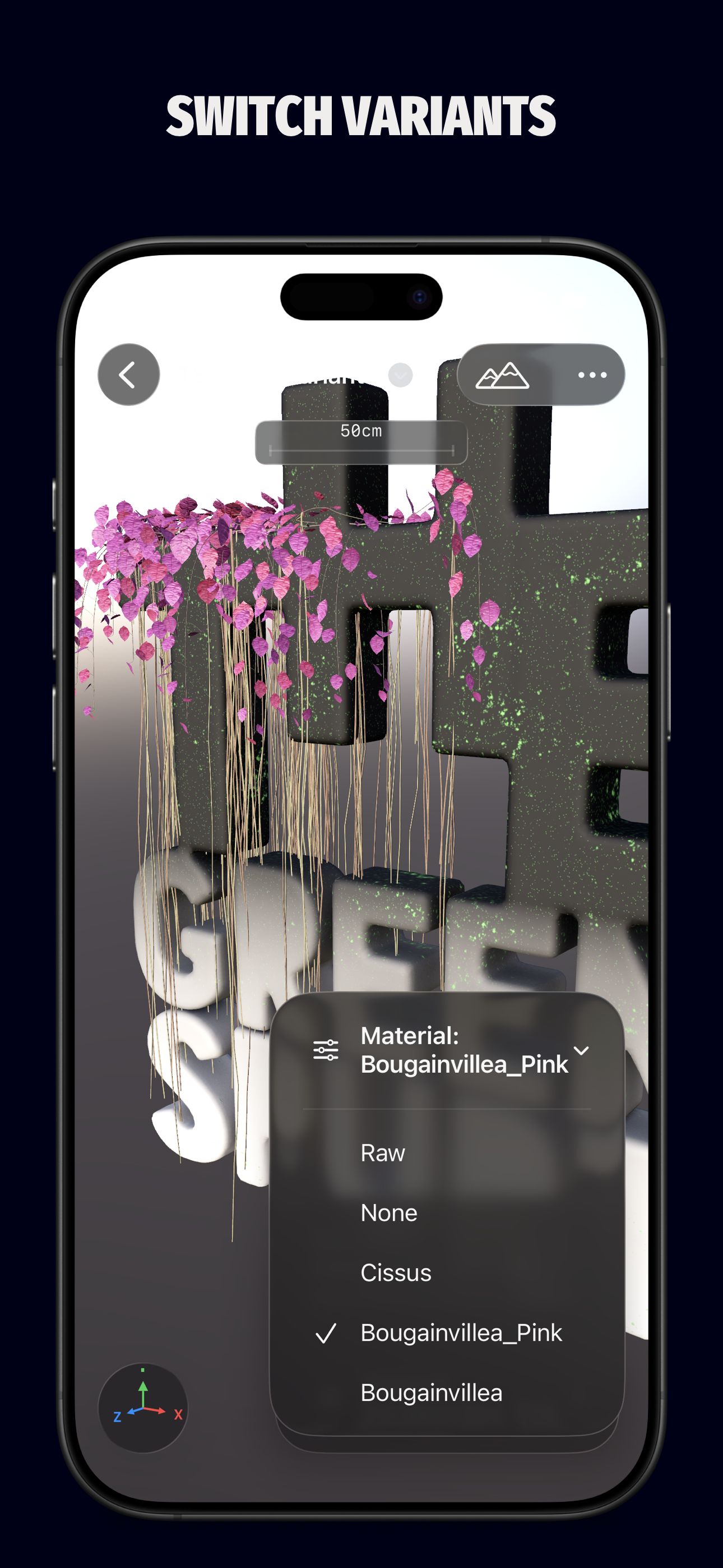
Same model, different looks — day/night, color options, configurations. You need a way to ship them all in one asset.
Variants are first-class. Author them in Gantry. Ship them in USD, USDA, USDC, or USDZ.
Export USD
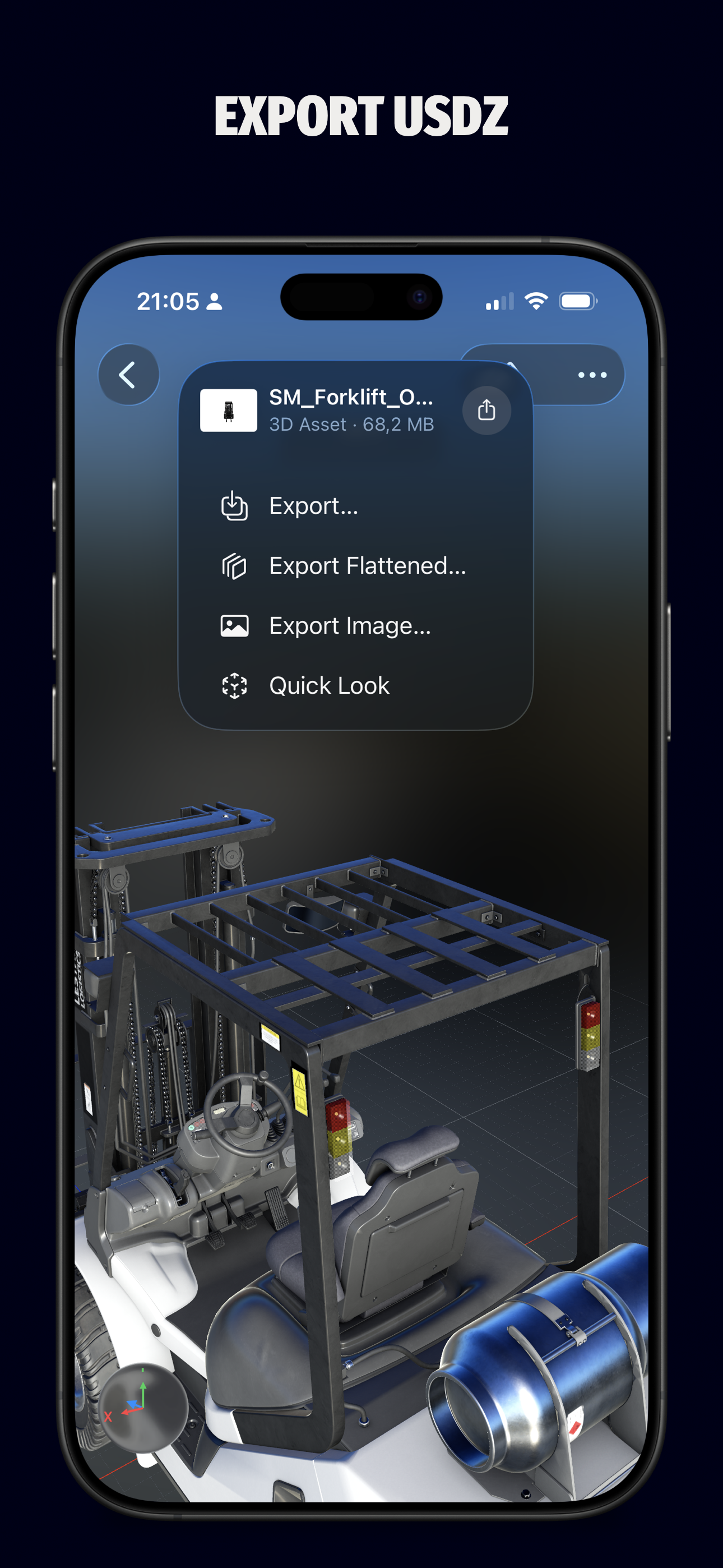
USD has flavors — text, binary, crate, zipped packages, flat files, layered stages. Most tools pick one and do not tell you what changed.
Save to USD, USDC, USDA, or USDZ. Preserve references, variants, animation, and material edits, or flatten to one self-contained asset for AR Quick Look.
Open in AR Quick Look
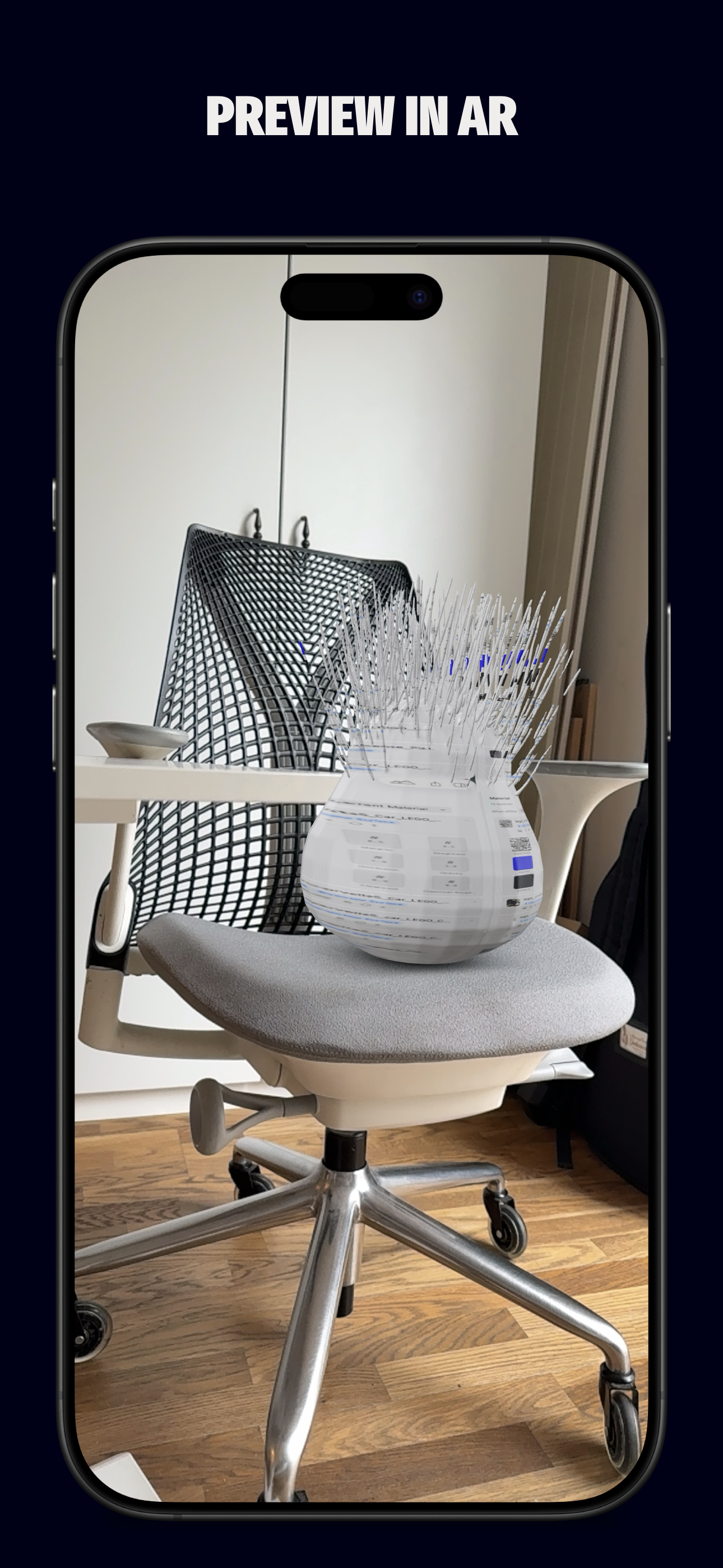
Converting is half the work. Validating in AR Quick Look is the other half, and most tools force you to re-share files to get there.
One tap from Gantry to AR Quick Look. See the asset in your room before it leaves your iPhone.
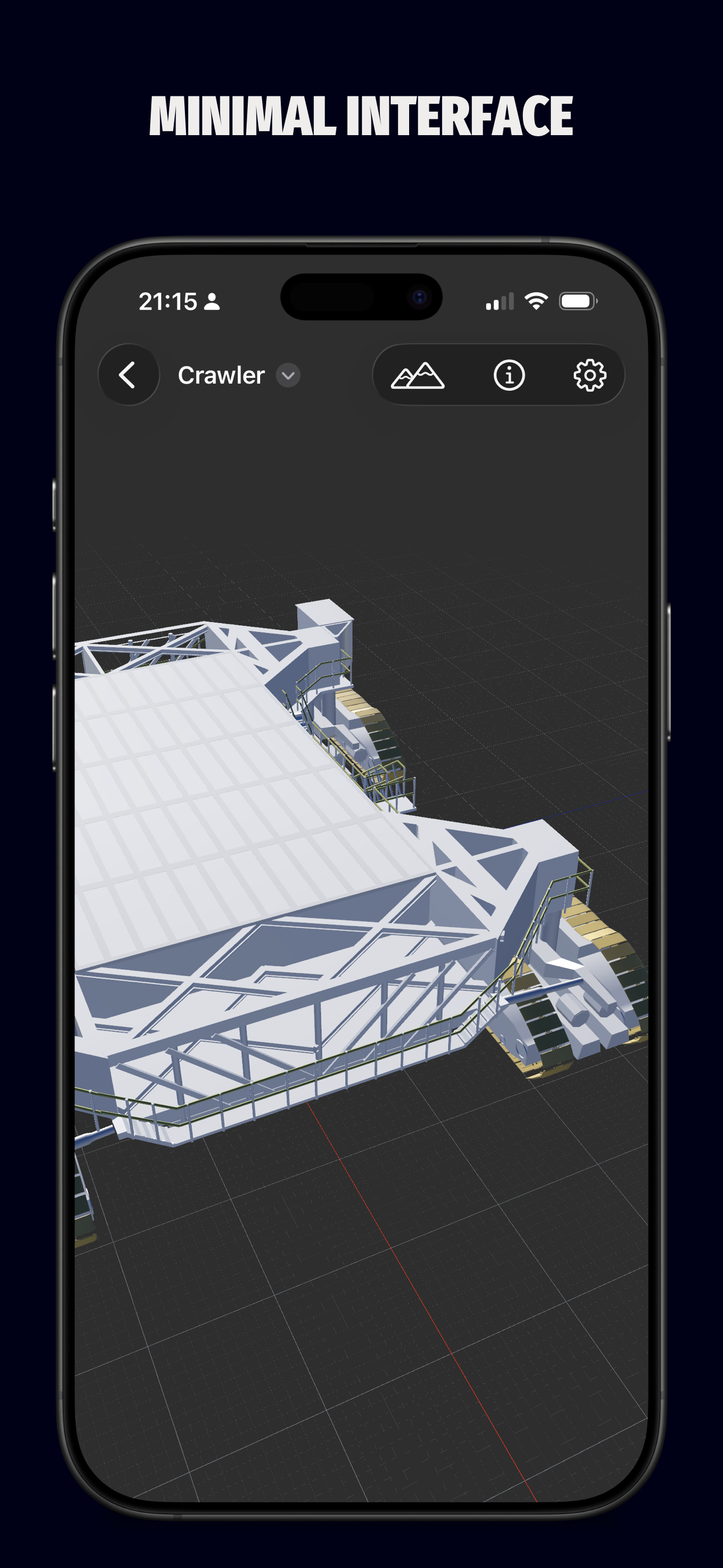
Minimal interface
Most 3D tools throw 200 controls at you. The work disappears in the interface.
The viewport is the room. Tools surface when you need them. The model is what you see.
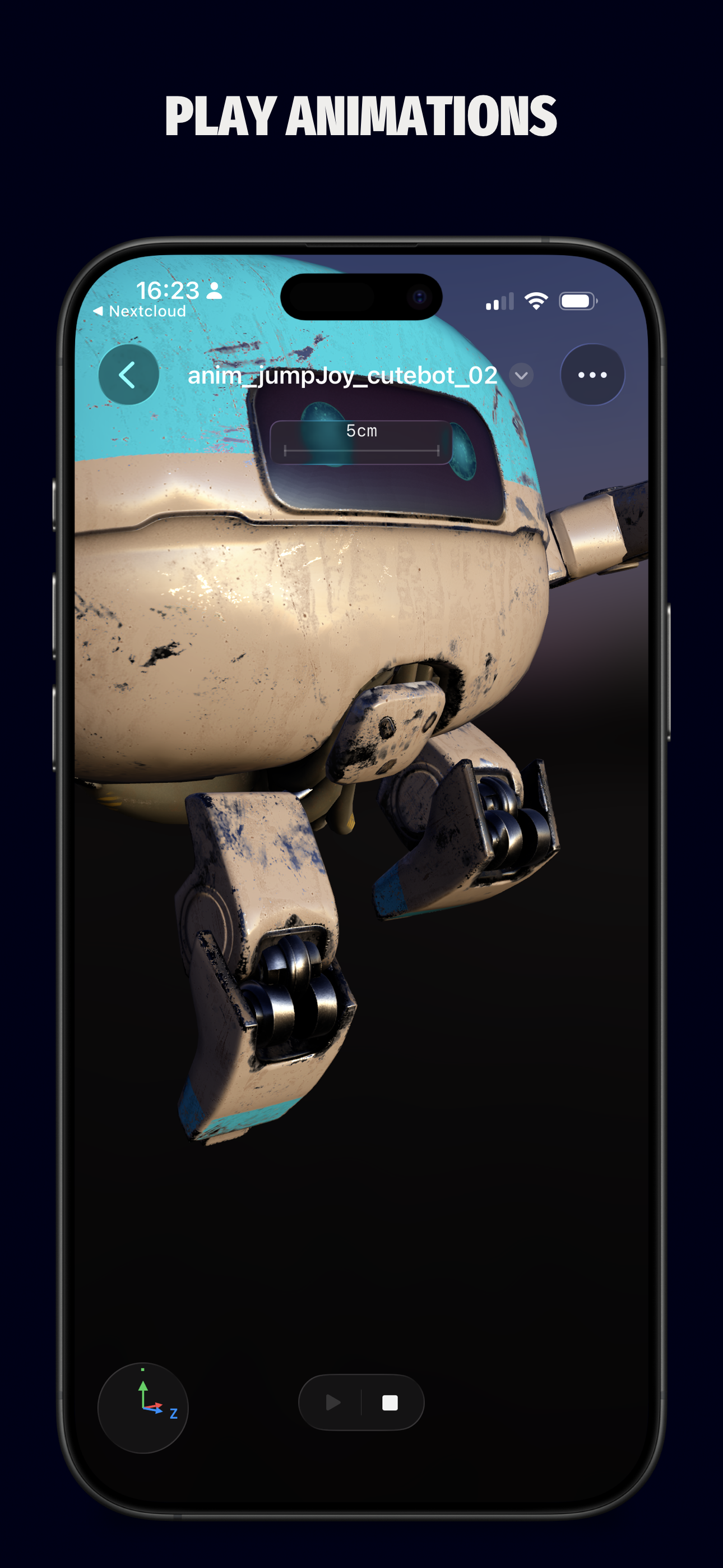
Play animations
Static preview lies about animations. You need to see motion, blend shapes, skinning before shipping.
Gantry plays animations in the viewport — skinning, blend shapes, transforms. The export carries them through.