3D FORMAT CONVERTER · APPLE PLATFORMS
GANTRY
Convert to OpenUSD for Apple platforms.
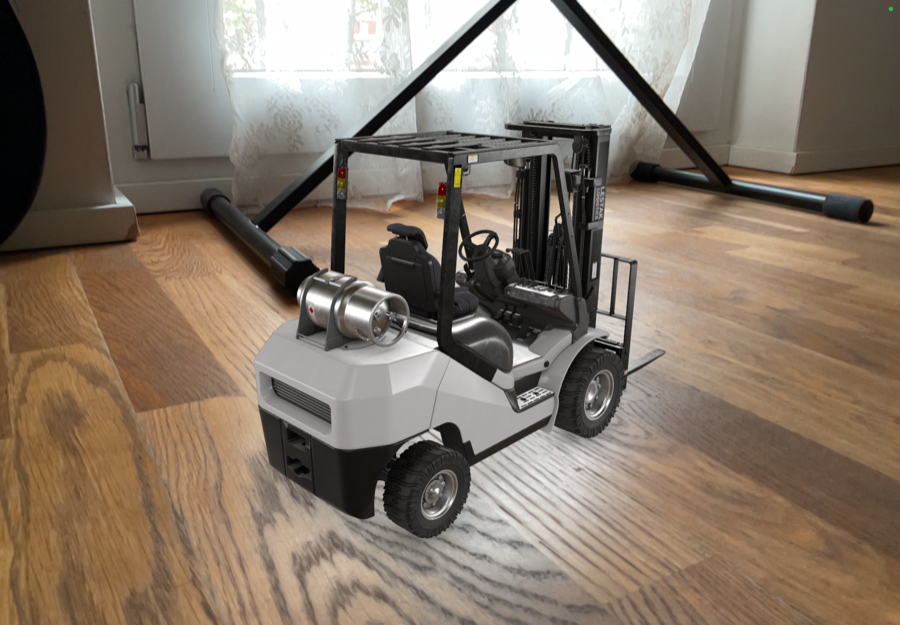
Import GLB, glTF, FBX, OBJ, STL, PLY. Inspect in RealityKit. Tweak materials and textures. Ship USD, USDA, USDC, or USDZ with references, variants, animation, and edits preserved.

Reality Converter went unmaintained in 2024.
Apple platforms still need a converter.
Gantry is the replacement.
REALITYKIT
VIEWPORT
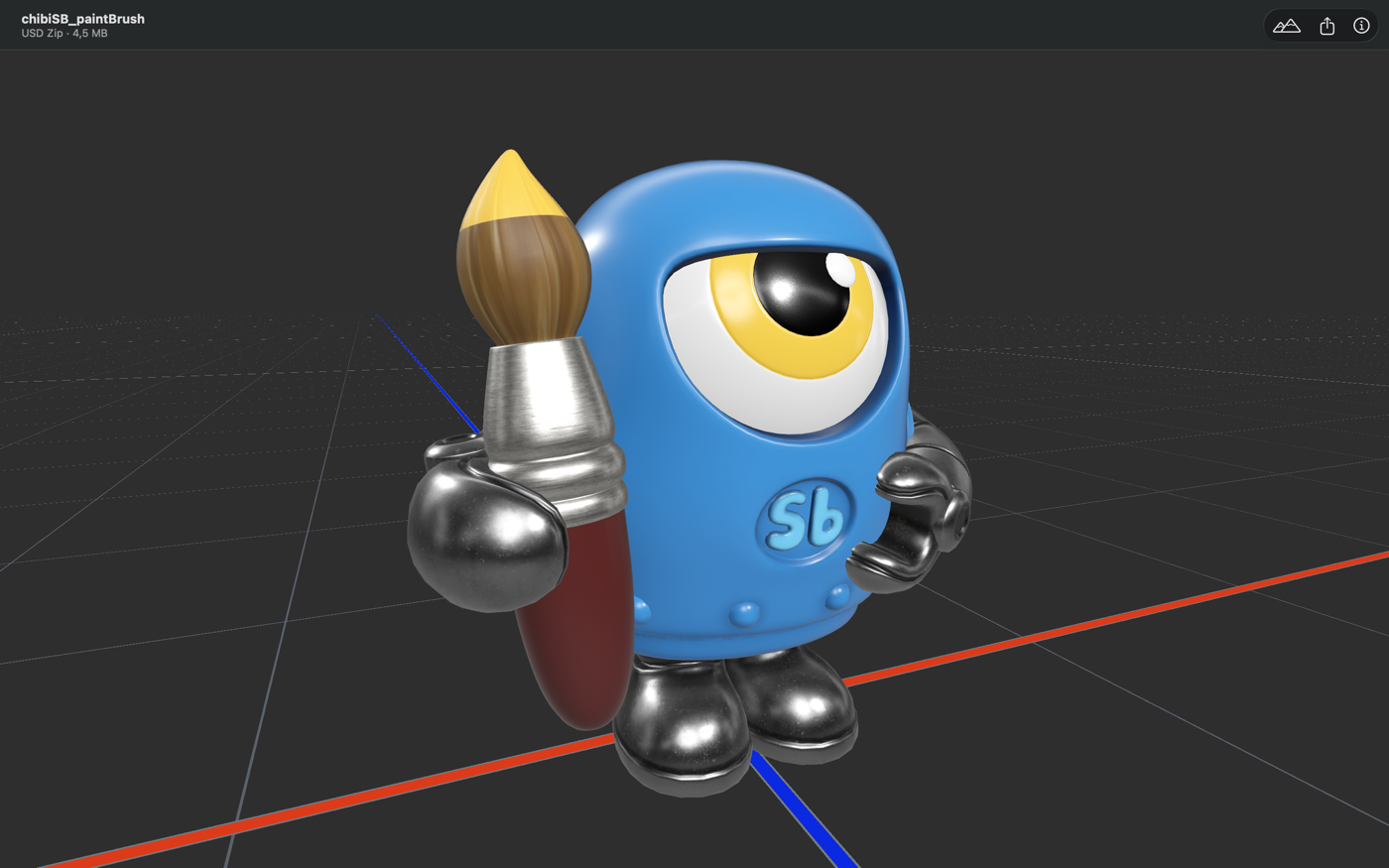
Orbit, pan, inspect. What you see in the RealityKit viewport is what renders on device.
ENVIRONMENT
LIGHTING
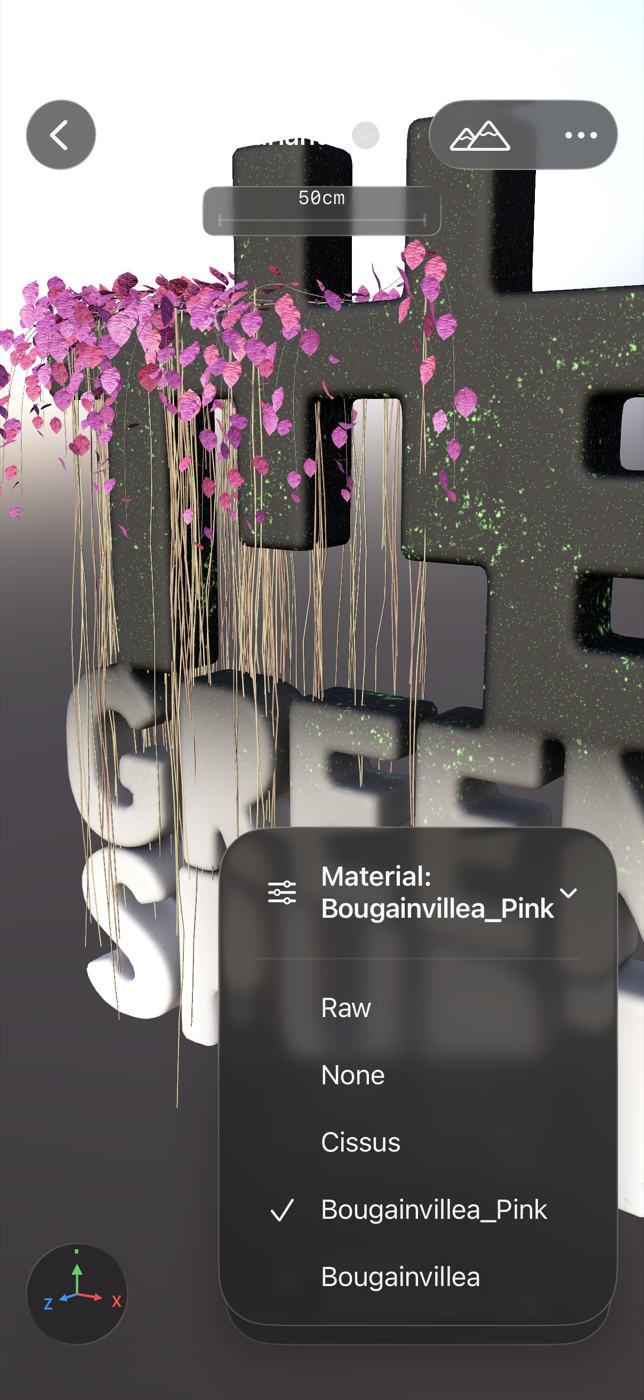
Curated IBL set — Neutral, Beach Sunset, Downtown Night, Neighborhood Overcast, Rooftop Sunny, more. Exposure, rotation, reflections. Test materials under real conditions before shipping.
MATERIAL
EDITOR
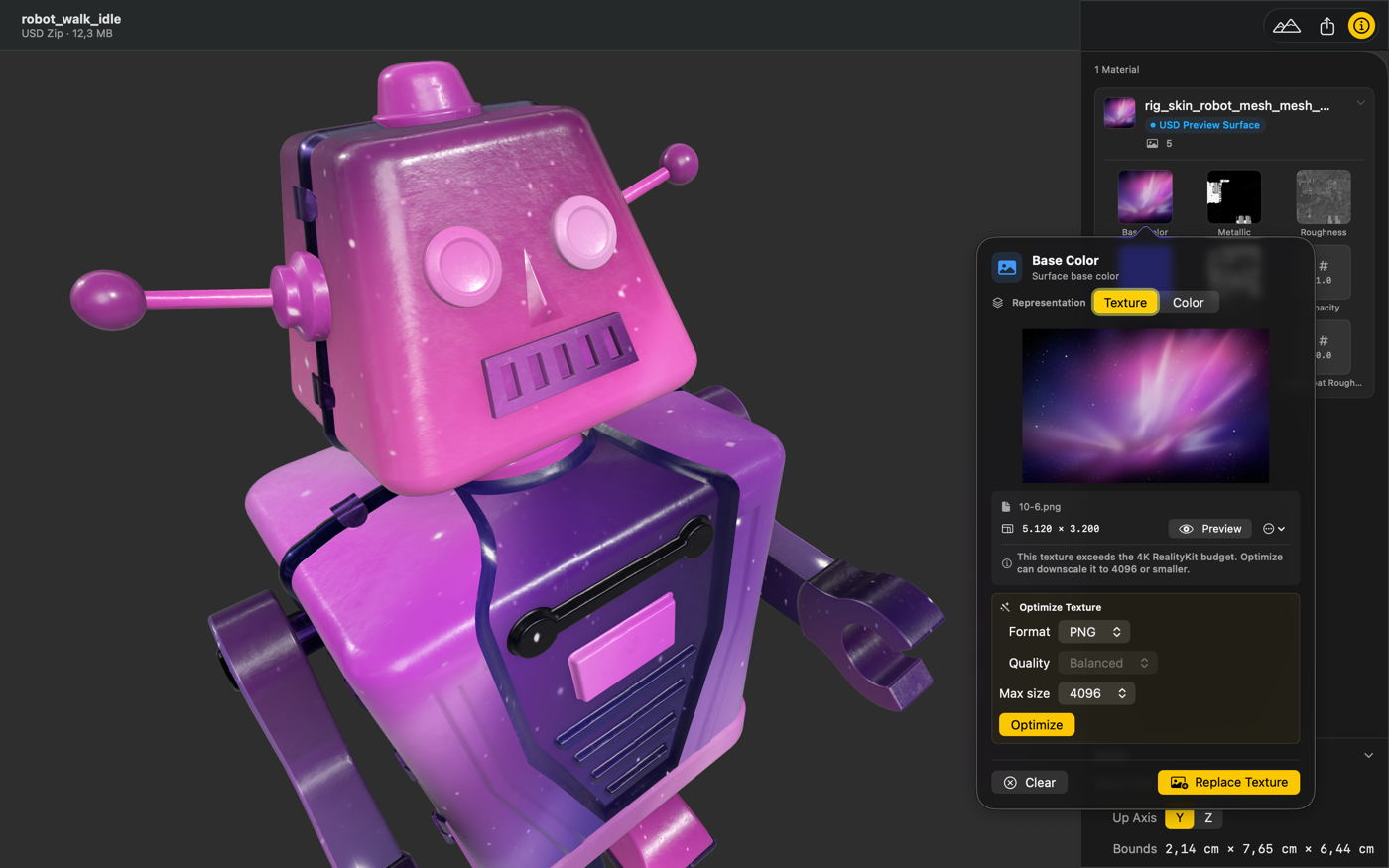
Keep as-authored or convert to USD Preview Surface / MaterialX. Adjust Base Color, Metallic, Roughness, Emissive, Opacity per channel. Replace textures. Live preview — what you see is what you ship.
TEXTURE
OPTIMIZATION
JPEG, PNG, or AVIF per channel. Quality tiers (Fast / Balanced / Best). Max resolution, mipmap generation. Smaller files, no loss.
 MATERIAL EDITOR
 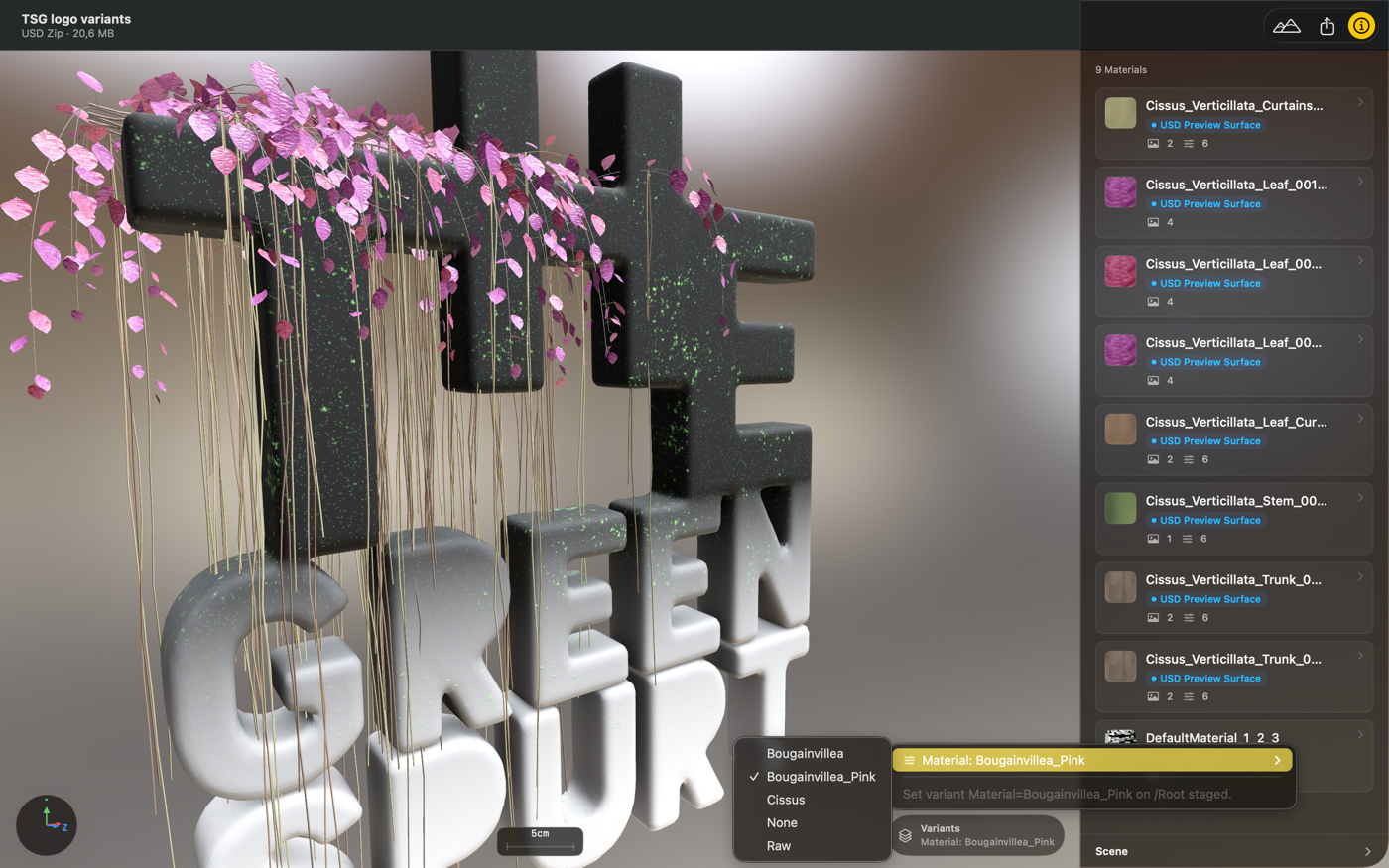 VARIANTS
 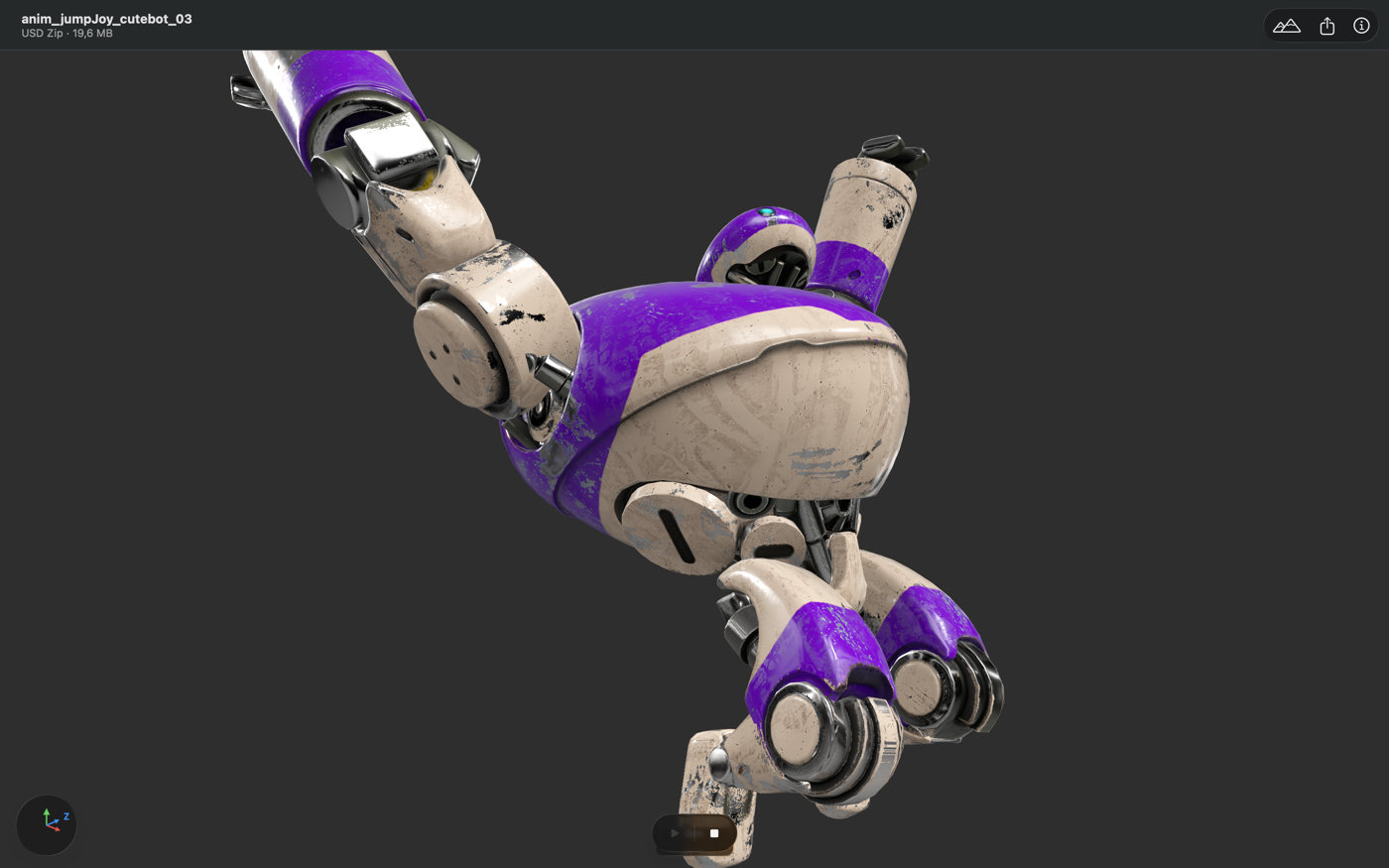 ANIMATION
 Meet the family.
The Reality Check family of tools, built to ship to Apple platforms.
AUTHORING · CONVERT
Convert, inspect, and prepare 3D scenes for Apple platforms. Drag in a stage. Ship the result.
- GLB, glTF, FBX, OBJ, STL, PLY → USD, USDA, USDC, USDZ
- RealityKit live preview
- Full material editing
- References, variants, animation, and edits preserved
- macOS + iOS/iPadOS + visionOS
QUALITY GATE · VALIDATE
Professional OpenUSD validation. The agent scans your stage, diagnoses issues, and proposes fixes. You decide.
- Full validation — free
- 900+ RealityKit-specific rules
- Agentic fix execution
- Workflow automation
- BYOK assistant
Mac. iPhone.
iPad. Vision.
Gantry runs natively on macOS, iOS, iPadOS, and visionOS. Import from Files, your browser, email, or direct share. Preview in RealityKit on device. Export to USD, USDA, USDC, or USDZ. Open USDZ in AR Quick Look in one tap.